Teachers can remove students from a class roster if a student is no longer in the class.
To remove a student from a class roster:
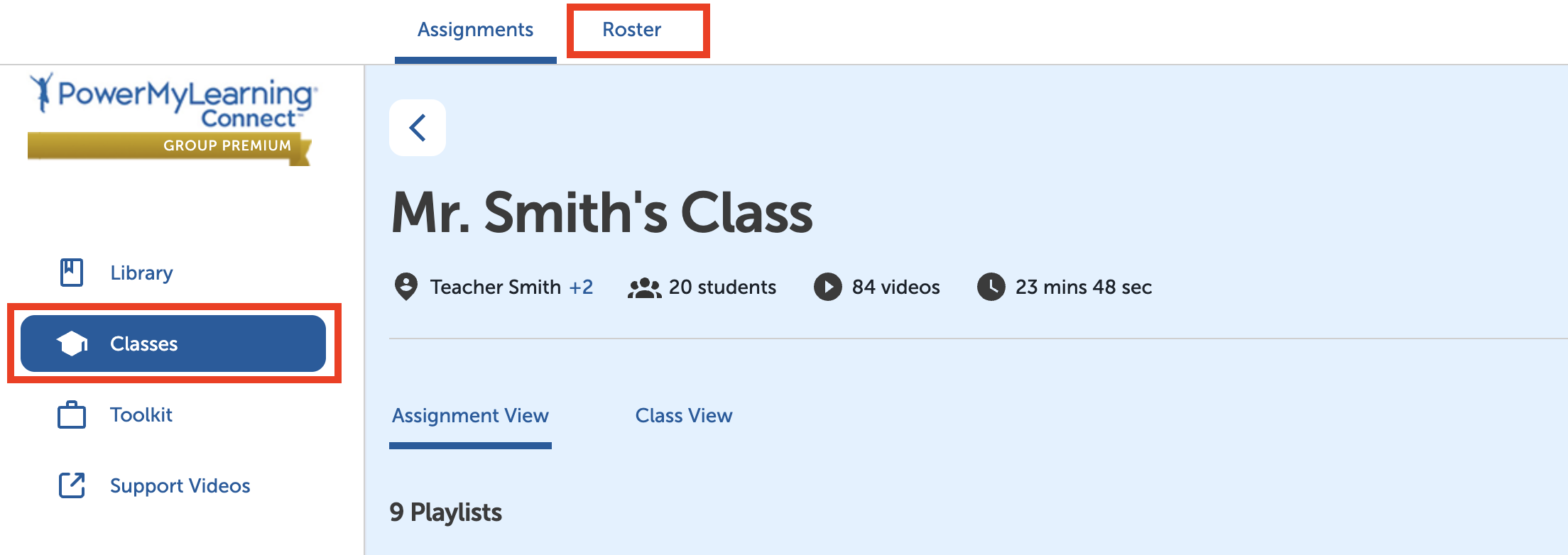
Select Classes in the left-hand menu.
Select a class.
Select Roster at the top of the page.
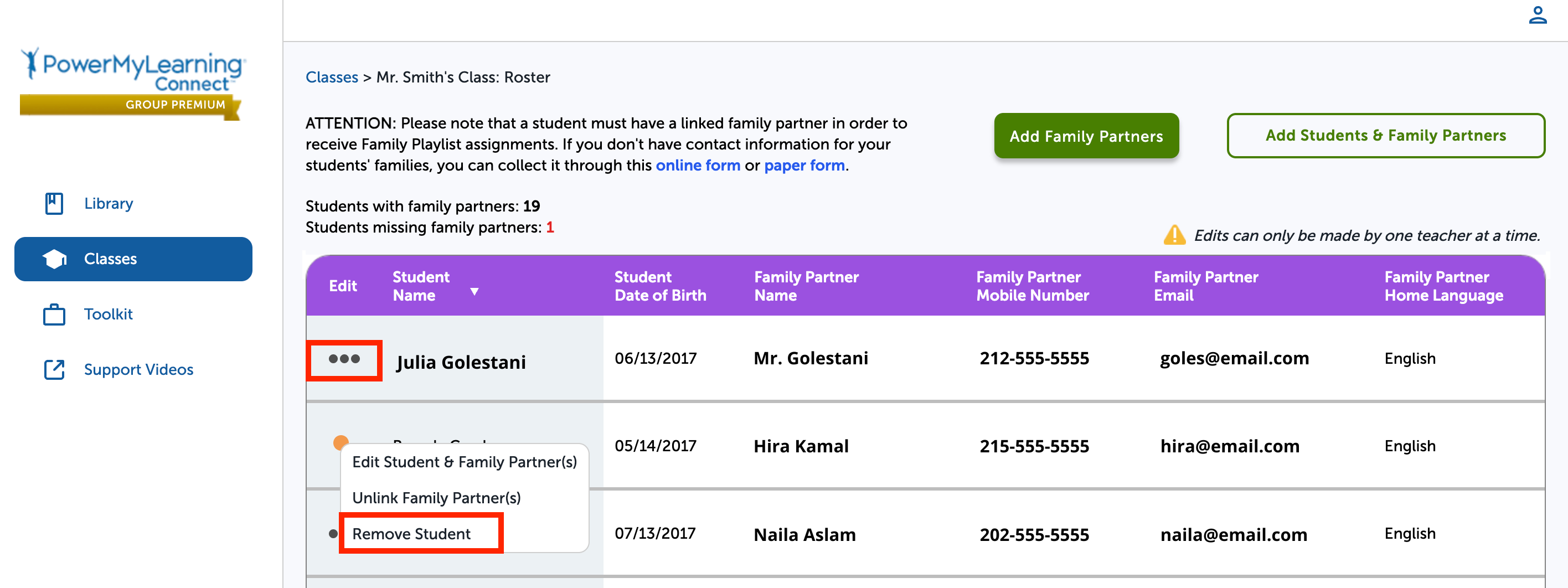
Select the three dots next to the student’s name.
Select Remove Student.
Select Remove Student once more.