Teachers can upload a full class roster using an Excel template. This is the fastest way to add multiple students and family contacts at once.
To upload a class roster:
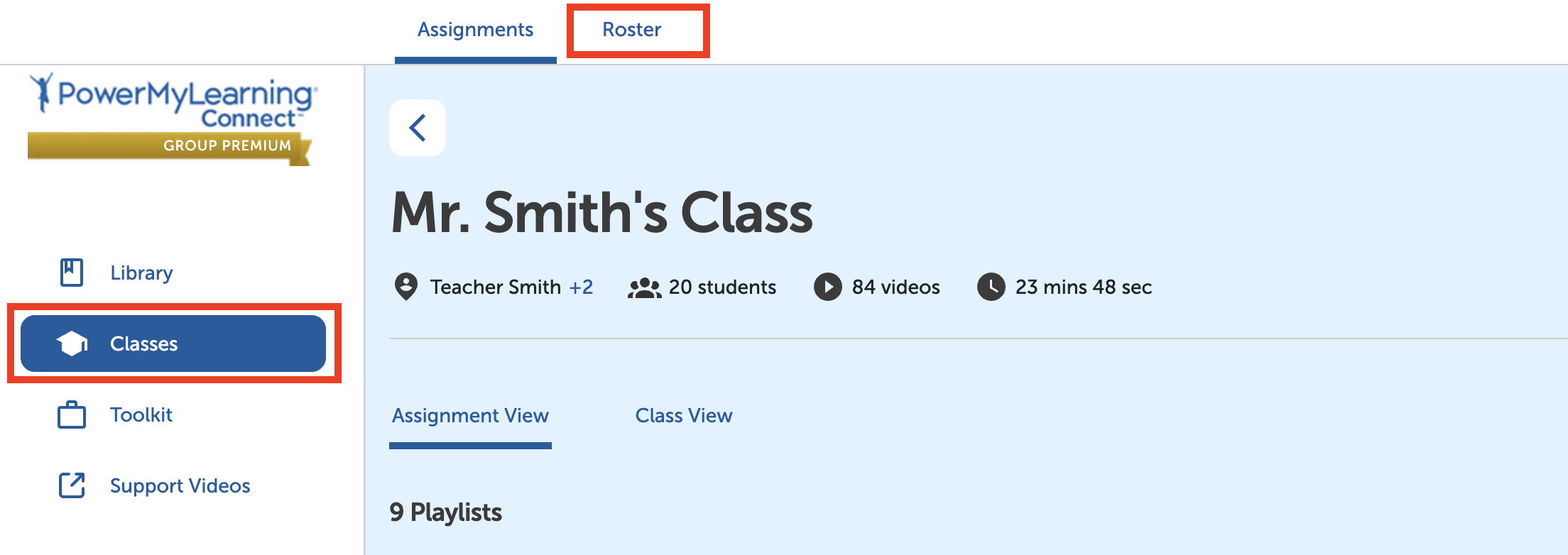
Select Classes in the left-hand menu.
Select a class.
Select Roster at the top of the page.
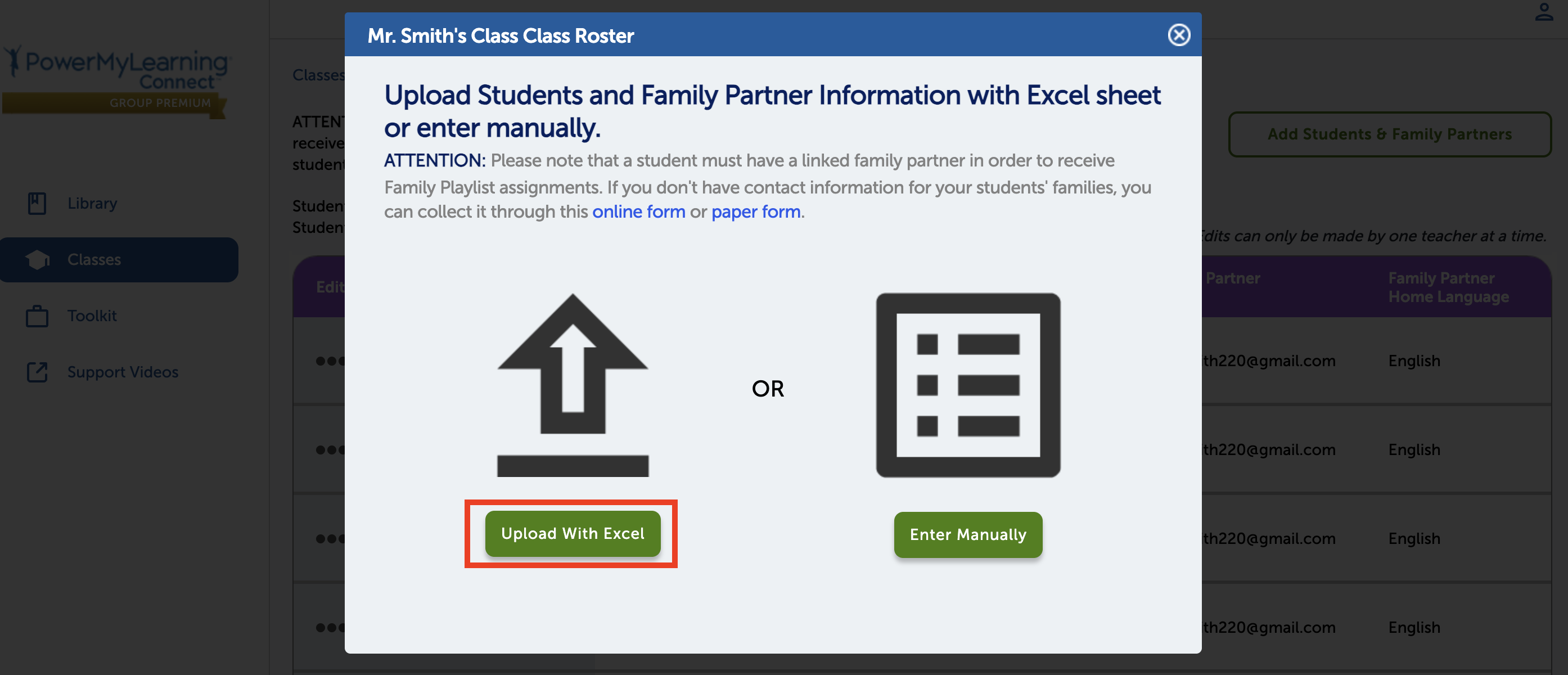
Select Add Students & Family Partners.
Select Upload With Excel.
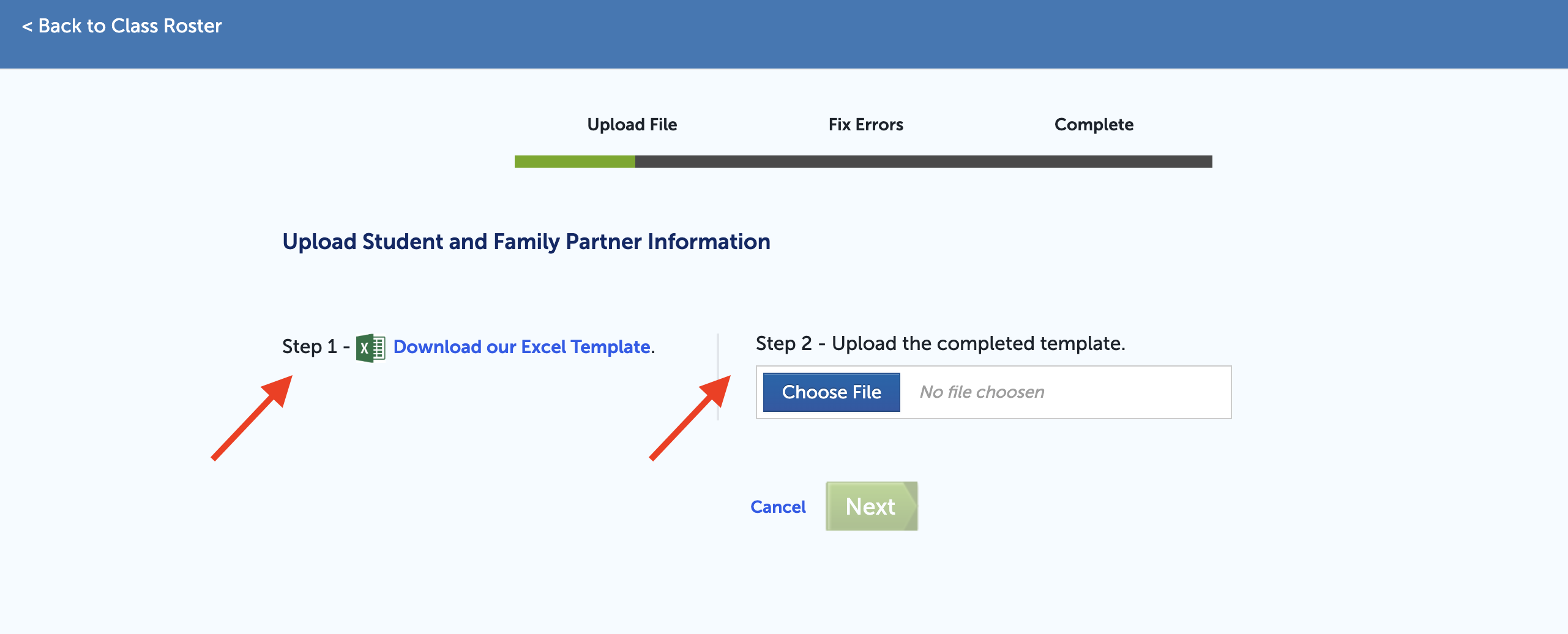
Select Download our Excel Template.
Fill out the template and save it as an Excel file.
Select Choose File and upload the completed template.
Select Next.
Select Go to Class Roster to review your students.