Teachers can manually add students and family partner contact information directly in MathVoice. This is helpful if a few students are missing from your class roster.
To add individual students:
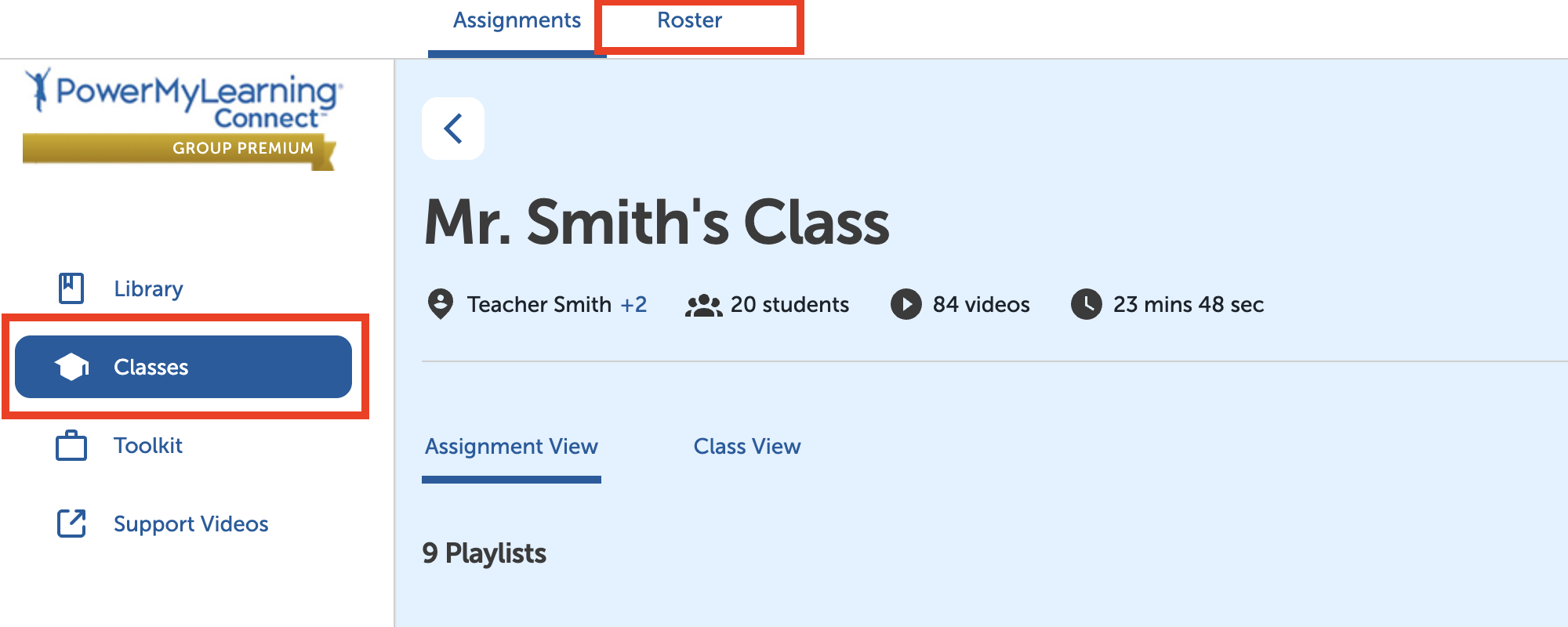
Select Classes in the left-hand menu.
Select a class.
Select Roster at the top of the page.
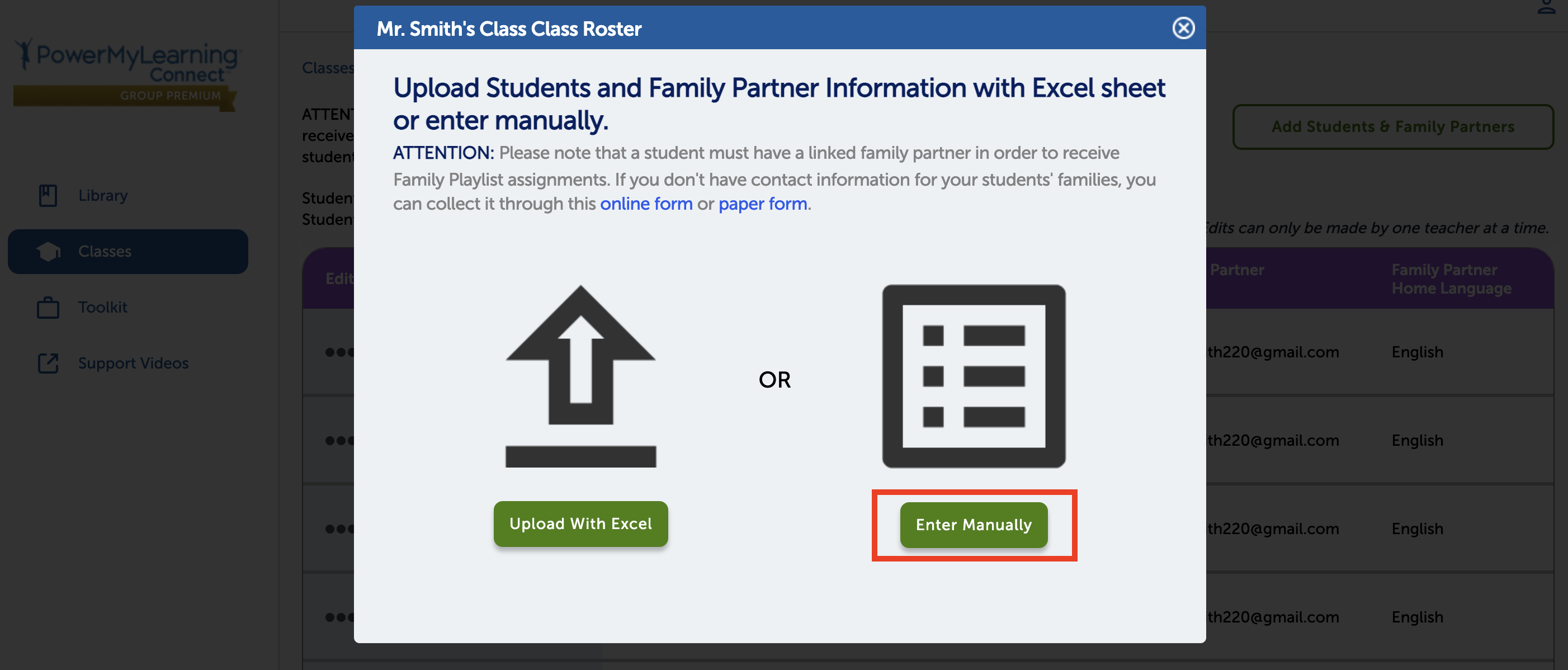
Select Add Students & Family Partners.
Select Enter Manually.
Enter the student’s information.
Enter the family partner’s information.
Select Done.